Money dashboards for Excel and Google Sheets

Run your freelance money like a business.

Work out what to charge, see what you earn and what to set aside for tax, and know exactly who to chase for payment. Three beautifully built dashboards, ready to use in minutes.

Instant downloadOne-time price, no subscriptionExcel and Google Sheets
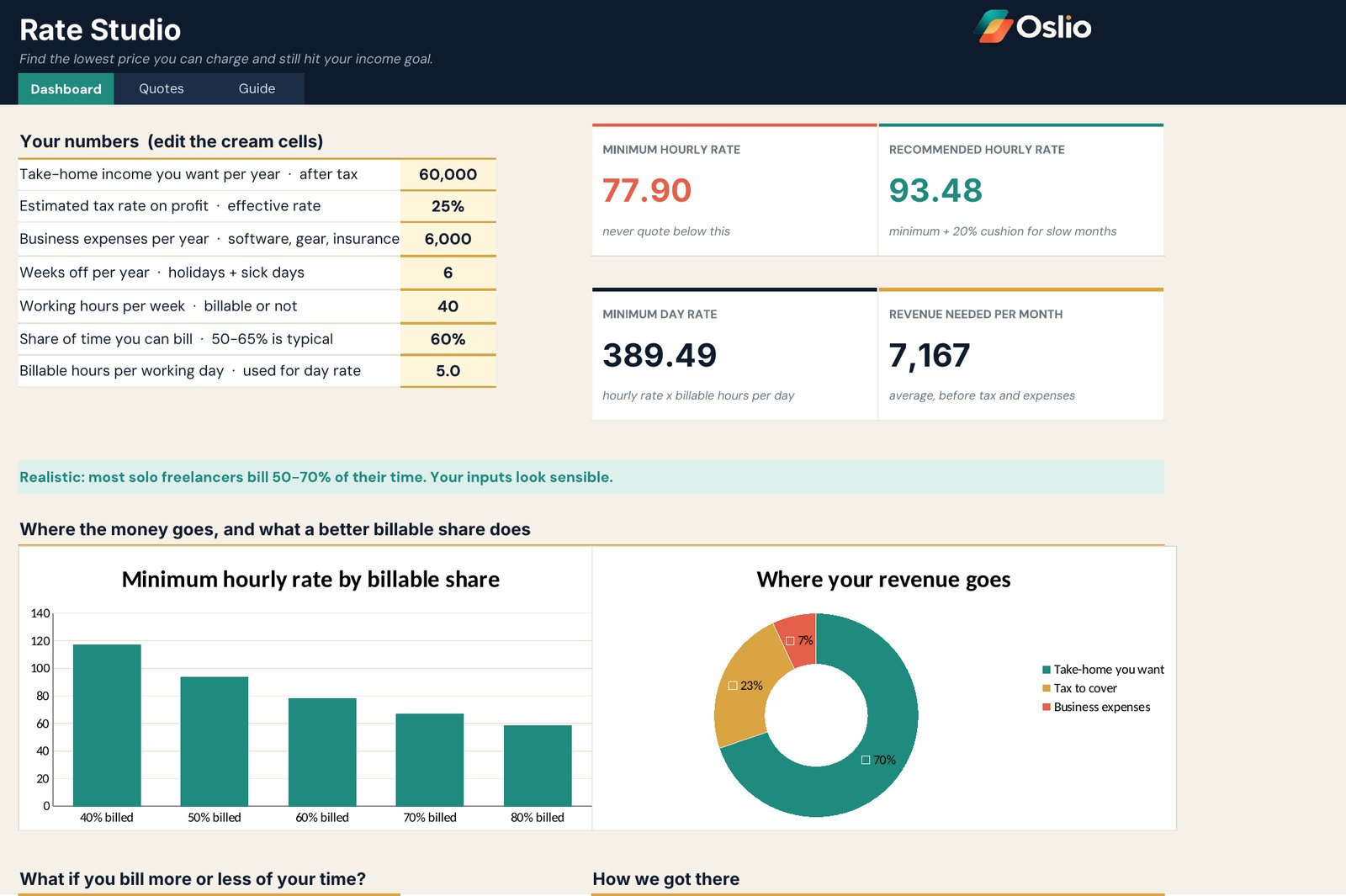
Oslio Rate Studio dashboard showing minimum and recommended hourly rates
The dashboards

Three tools. One calm view of your money.

Each one stands alone. Together they cover pricing, income and tax, and getting paid.

Rate Studio dashboard
01

Rate Studio

Find the lowest price you can charge and still hit your income goal, then quote with confidence.

  • Minimum and recommended hourly rate, plus your day rate
  • The monthly revenue you need to reach your goal
  • See how a higher billable share lowers the rate you need
  • A quote builder for turning hours into clear prices
$23one-time, instant download
Get Rate Studio
Income Studio dashboard
02

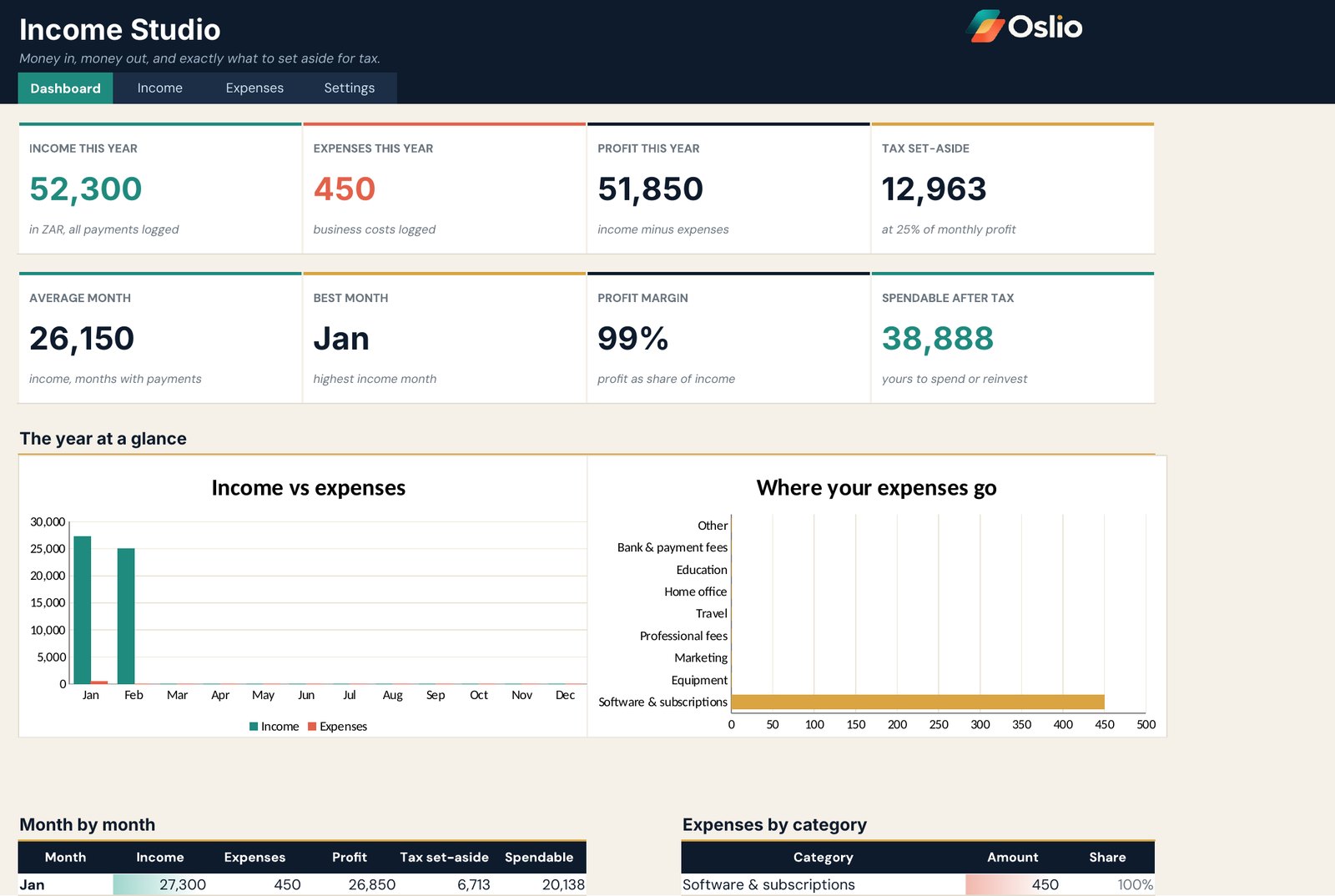
Income Studio

Money in, money out, and exactly what to set aside for tax.

  • Log payments in several currencies, converted to the one you choose
  • Track expenses by category
  • See profit, tax set-aside and what you can safely spend
  • Month-by-month charts of income against expenses
$28one-time, instant download
Get Income Studio
Invoice Studio dashboard
03

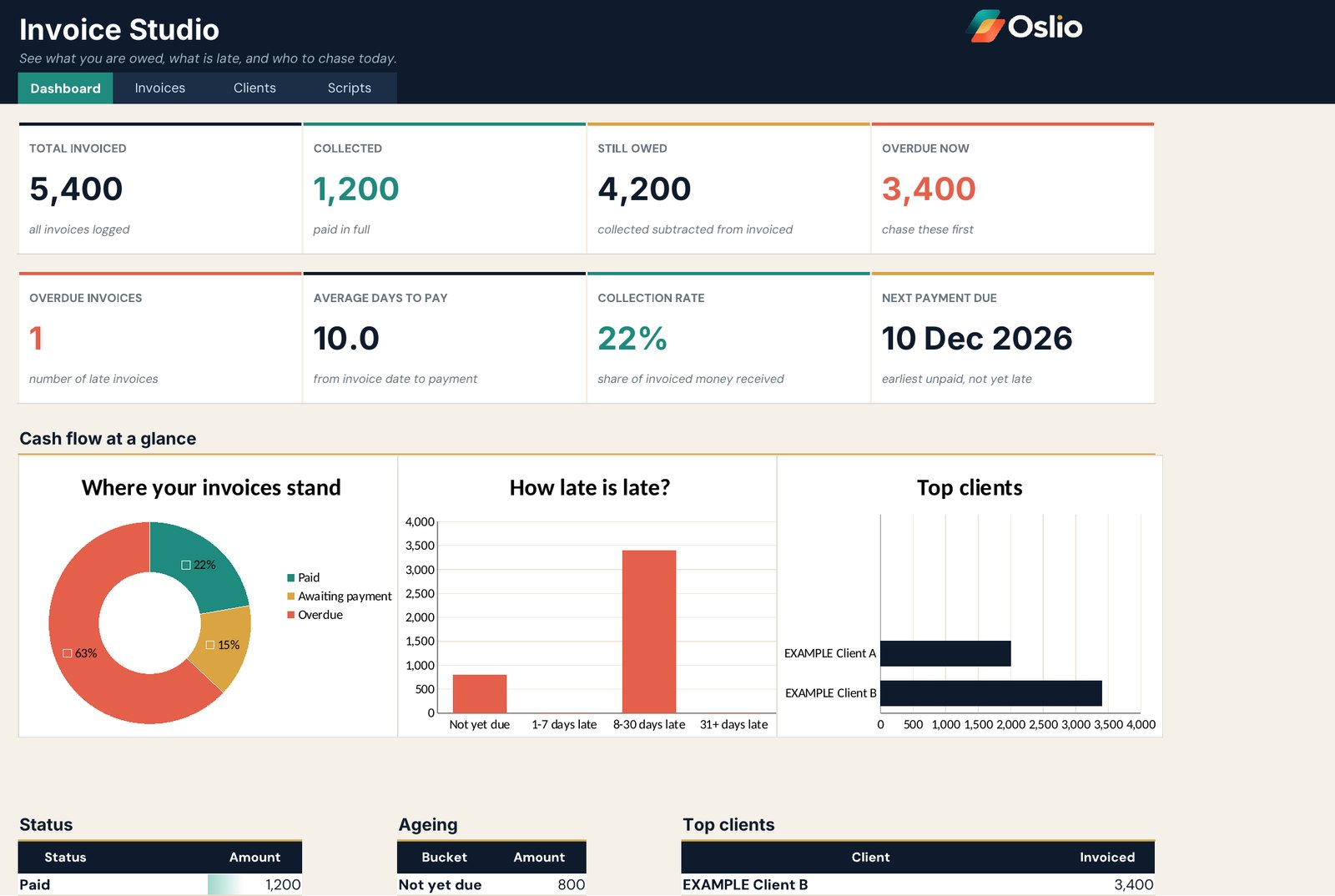
Invoice Studio

See what you are owed, what is late and who to chase today.

  • Total invoiced, collected, still owed and overdue at a glance
  • Average days to pay and your next payment due
  • See which clients bring in the most
  • Ready-to-send chase messages for every stage
$25one-time, instant download
Get Invoice Studio
The Freelancer Money Bundle

Everything for the money side of your business.

Price your work, track what comes in and chase what is owed, all in matching dashboards.

$59$76
Save $17
Rate StudioWhat to charge
Income StudioWhat you earn and set aside
Invoice StudioWho owes you and who to chase
How it works

Ready in minutes, not weekends.


01

Download

Buy securely and download your file straight away.


02

Open

Open it in Excel, or open your Google Sheets copy. Everything is already laid out.


03

Make it yours

Clear the example rows, type your own numbers in the cream cells and watch the dashboard update.

Coming to Oslio

More collections on the way.

Oslio will grow beyond freelancers. These are being planned and are not for sale yet.

Coming soon

Guides

Practical PDF guides, including guides to getting more from AI tools.

Coming soon

Home

Dashboards for household money and everyday life.

Questions

Do I need Excel, or does Google Sheets work?

Both work. Every dashboard comes as an Excel file, and you can also use a Google Sheets copy. Invoice Studio needs Excel 2019 or newer, or Excel 365.

What do I do with the example rows?

The grey rows are examples so you can see how each dashboard works. Delete them and type your own numbers into the cream cells.

Is this tax advice?

No. The tax set-aside in Income Studio is a savings habit, not a tax calculation. Ask a qualified adviser for your real rate.

Can I use currencies other than dollars?

Yes. Income Studio handles several currencies and converts them to the base currency you choose in Settings.

Which fonts does it use?

The dashboards are designed with Manrope and DM Sans, both free from Google Fonts. If they are not installed, Excel shows a default font and everything still works.

Put your freelance money in order today.

Shop the dashboards